Scale Title
In This Topic
Each scale can display title text with controllable attributes like font, size, filling and others. It helps users understand the meaning, units, or category of the values displayed on the scale. The following image shows a chart with X and Y title text applies to its axes:
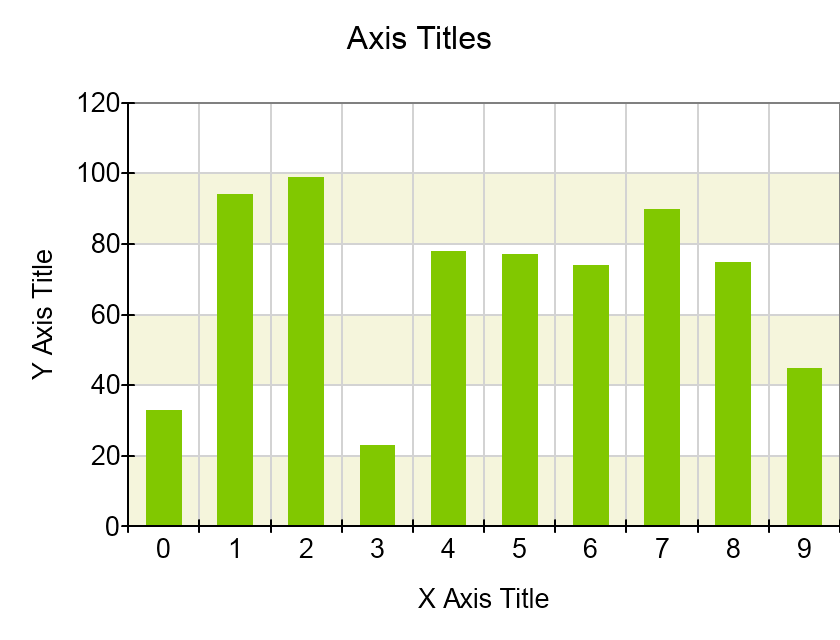
The title properties are controlled from the scale Title property which exposes an object of type NScaleTitle.
Title Text
The scale title text is controlled from the Text property. The following code shows how to change the title of a chart axis:
| C# |
Copy Code
|
| axis.Scale.Title.Text = "Axis Title"; |
| C# |
Copy Code
|
axis.Scale.Title.Text = "Axis Title";
|
Title Offset
The title offset allows you to indent the title from the scale content (labels and ticks) by a given amount in dips. The following code will indent the label 10 dips away from the nearest scale decoration (label or tick):
| C# |
Copy Code
|
axis.Scale.Title.Offset = 10;
|
Title Appearance
The scale title appearance is controlled from the TextStyle property of the NScaleTitle object. The following code shows how to modify the font and filling of an axis scale title:
| C# |
Copy Code
|
|
NCartesianChart chart = (NCartesianChart)chartView.Surface.Charts[0];
NCartesianAxis axis = chart.Axes[ENCartesianAxis.PrimaryX];
axis.Scale.Title.Text = "Scale Title";
axis.Scale.Title.TextStyle.Font = new NFont("Arial", 14);
axis.Scale.Title.TextStyle.Fill = new NColorFill(NColor.Red);
|
Title Alignment
The scale title has two properties that allow you to control the alignment of the title relative to the scale. The are called RulerAlignment and RulerOffset and work together to define a point on the scale. The following code shows how to position the scale title at the start of the scale, offset by 10 dips:
| C# |
Copy Code
|
|
NCartesianChart chart = (NCartesianChart)chartView.Surface.Charts[0];
NCartesianAxis axis = chart.Axes[ENCartesianAxis.PrimaryX];
axis.Scale.Title.Text = "Scale Title";
axis.Scale.Title.RulerAlignment = ENHorizontalAlignment.Left;
axis.Scale.Title.RulerOffset = 10;
|
